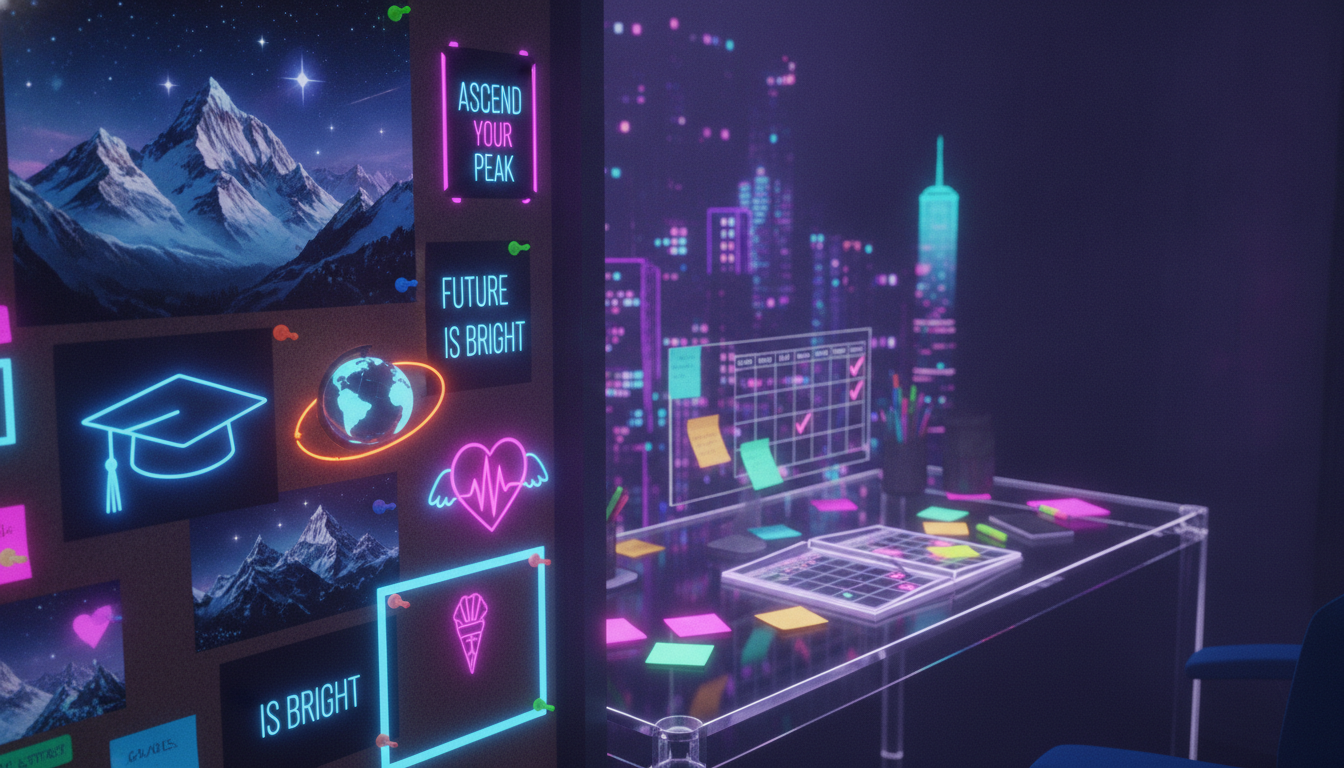
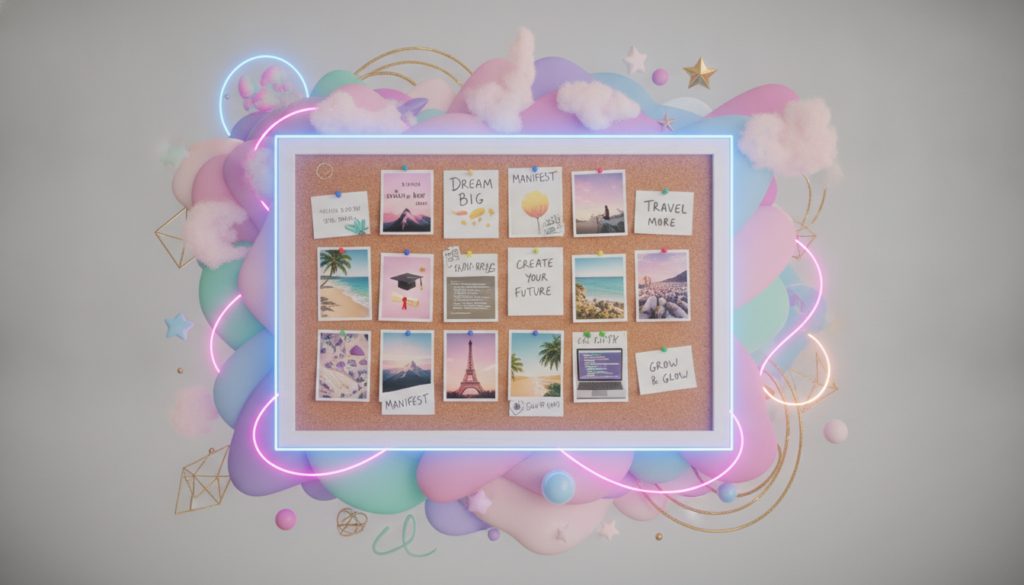
A vision board turns dreams into a clear visual reminder. It can combine photos, words, symbols, quotes, and affirmations that reflect the future you want. Keeping these ideas nearby makes your goals easier to remember each day.
This simple practice supports focus, motivation, creativity, and positive thinking. It can also make goal tracking feel less stressful. Students, professionals, entrepreneurs, and creatives use a vision board for personal growth, career progress, and lifestyle changes.
You do not need expensive supplies or design skills to begin. Carrie, author of Make Anything Happen, has helped thousands of people create inspiring displays with simple materials. This guide makes the process friendly, practical, and easy to start.
Key Takeaways
- Turn personal goals into a visible daily reminder.
- Use images and words to express your desired future.
- Support focus, motivation, and positive thinking.
- Track progress with a clear picture of success.
- Start with simple supplies and meaningful ideas.
Find the Right Vision Board Template for Your Goals
Choose a layout that matches your plans, style, and available time. The right design can support career growth, financial aims, relationships, health priorities, creative work, or wider life aspirations.
Printable Templates for Life, Career, and Personal Aspirations
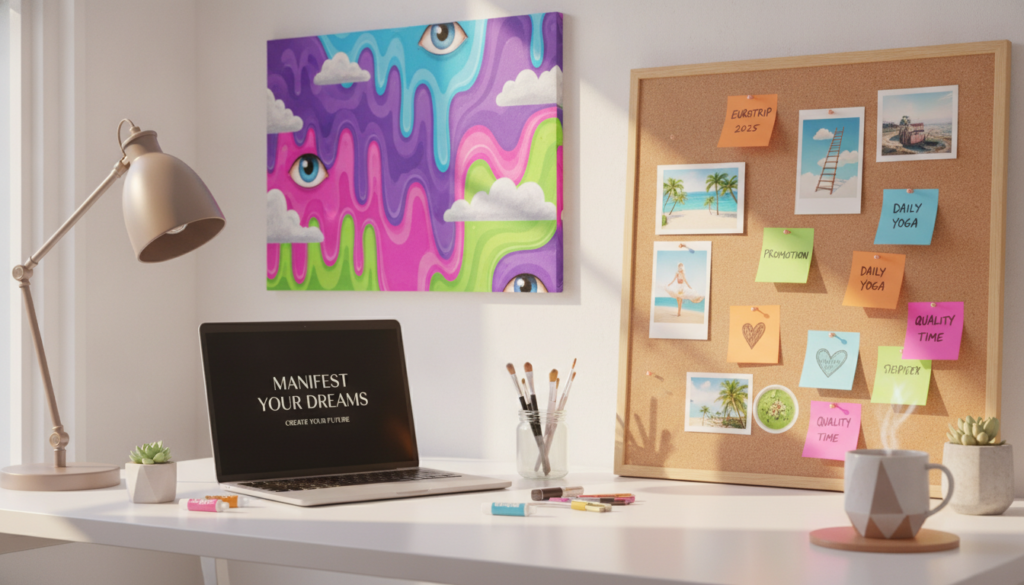
Carrie’s Ultimate Printable Vision Board Kits include more than 30 pages of layouts, worksheets, quotes, and original photos. Neutral and rainbow versions make it easy to match your mood. For a faster start, the Mini Vision Board Kit offers 10 pages of printable tools.
Creative Designs for Kids, Beginners, and Goal Setters
Families can choose colorful, kid-friendly pages, while beginners may prefer simple sections with space for three to five goals. Students, professionals, entrepreneurs, and creatives can each build a focused display for personal or work plans.
Affirmations, Quotes, and Images to Bring Your Board to Life
More than 50 printable affirmations add positive words to your design. Mix quote cards, personal photos, symbols, colors, and textures for a display that feels meaningful. Digital layouts also work well at 1080 × 1080, 1920 × 1080, or 1080 × 1920 pixels.
How to Create a Vision Board That Keeps You Motivated
Start with a clear result, not a pile of attractive pictures. Write two simple goals and explain why each one matters. This step gives your project direction and helps every image support your future plans.
Choose Inspiring Visuals and Positive Words
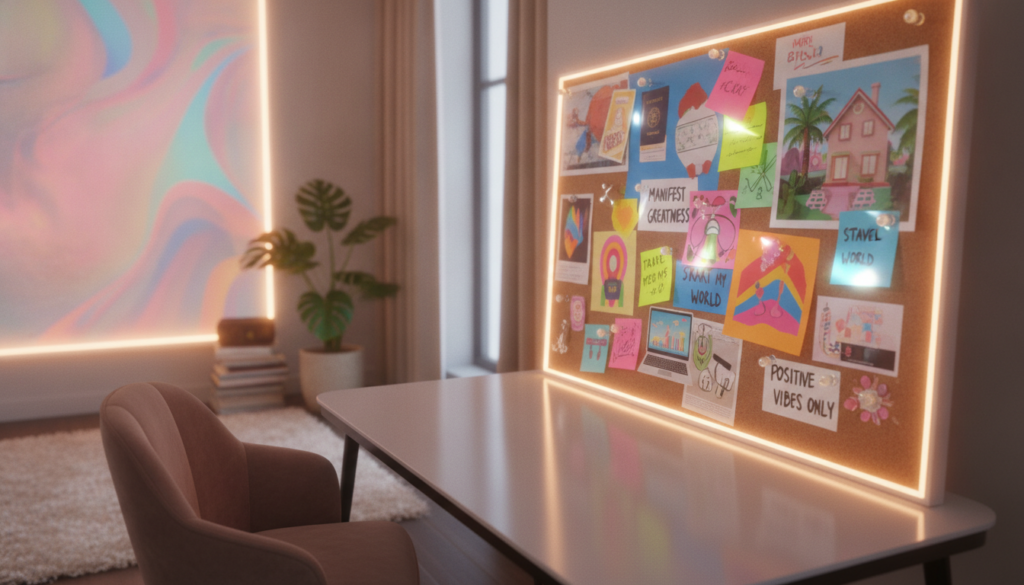
Choose bright images, personal photos, symbols, affirmations, and words that create an emotional link. Add colors, textures, shapes, quote cards, or a meaningful object. Keep the design focused so the main ideas remain easy to see.
“Make your goals visible, then make them actionable.”
Carrie’s collection of 365 journaling prompts and matching printables can uncover priorities and support personal growth. Her Bullet Journal approach offers another helpful way to explore intentions.
- Group ideas by work, health, money, relationships, or travel.
- Begin with one small section.
- Place it where you will see it each day.
- Refresh it when your goals or needs change.
| Focus area | Useful elements | Review cue |
|---|---|---|
| Work | Skills, quotes, progress photos | Check weekly |
| Health | Routines, colors, encouraging words | Check daily |
| Relationships | Photos, symbols, shared values | Refresh monthly |
Download, Edit, and Share Your Vision Board Your Way
Pick a file type and screen size that match your routine. A flexible vision board template works well for print projects, online editing, and social sharing. You can also follow this Canva design guide for another simple editing workflow.
File Formats and Digital Sizes That Fit Your Workflow
Use Word, Google Slides, PowerPoint, Google Docs, Apple Pages, or Publisher. Choose the program you already know, then change text, photos, colors, and spacing with ease.
For square social posts, select 1080 × 1080 pixels. Widescreen displays suit 1920 × 1080 pixels, while mobile stories work best at 1080 × 1920. Use 1200 × 628 pixels for many social platforms. A 1500 × 1000 file creates a clear desktop background.
Use AI to Create a Personalized Vision Board Design
The Vision Board Generator creates a fresh design from your prompt. Mention your goals, preferred colors, lifestyle, and mood. Then refine the result, download it, and share it on the device or platform you use most.
Start Turning Your Dreams Into Daily Inspiration
Keep your vision board where you naturally see it each day. A quick glance can turn distant aspirations into one small action, such as sending an email, taking a walk, or saving money.
Bring images, words, symbols, and personal priorities into one meaningful display. This clear vision can support focus, positive thinking, creativity, and goal tracking. It may also help your plans feel calmer and more practical.
Review your design often. New experiences may change your priorities, so update images or affirmations when your plans shift.
Download the template, add details that matter to you, and let daily inspiration guide your next step. Progress grows through steady choices, not perfect timing.