

Understanding what you earn and where each dollar goes is the first step toward real control of your money. CNBC Select reviewed a range of budgeting tools and found several with excellent user experience. These tools help beginners, investors, and small business owners see clear results fast.
Modern software can make tracking painless for the current month. Set it up once and let the app sort transactions and show trends. With the right tool, you can focus on goals like saving for a down payment or cutting recurring fees.
Choosing software is about fit. Look for clear reports, simple setup, and reliable support. Combine a strong app with regular review habits and you will improve your financial health this year.
Key Takeaways
- Know your income and expenses to gain control.
- CNBC Select highlights user-friendly budgeting tools.
- Automation helps you see trends for the current month.
- Pick software that matches your needs and review it regularly.
- Small, steady habits lead to big financial wins.
Why You Should Automate Your Financial Tracking
A reliable finance app can turn scattered bank entries into clear categories and actionable reports. Automation brings structure. It pulls transactions from linked accounts and organizes them into categories like groceries, bills, and subscriptions.

The Role of Automation
Let software handle routine imports and categorization. That reduces manual entry errors and saves time. Modern apps offer features such as real-time credit checks, tax-ready reporting, and visual income versus expense charts.
Gaining Financial Clarity
Users see clear reports that reveal habits and recurring payments. A digital envelope or zero-based budget plan helps assign every dollar a job, improving savings and goal management.
- Sync bank accounts for accurate transactions and category insights.
- Spot subscriptions that erode savings.
- Use reporting tools for quick finance reviews and planning.
“Automated tracking turns messy details into a plan that guides spending and savings.”
The Best Ways to Track Monthly Spending Automatically
Opt for an app that organizes transactions into clear, usable categories. That single feature turns messy feeds into a simple plan you can act on.
Many apps let you sync bank accounts so transactions auto-update each month. That keeps your budget current without constant manual entry.
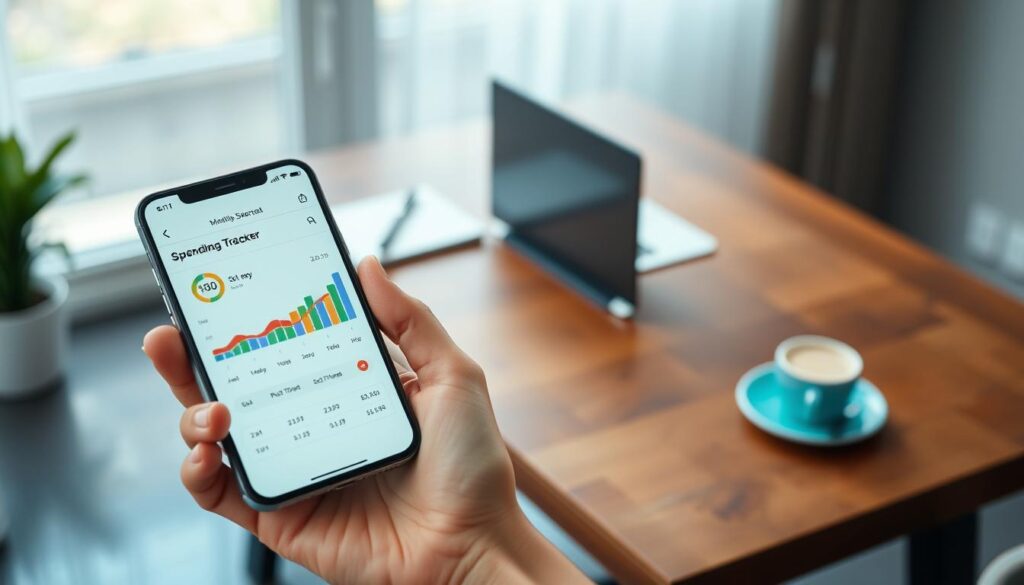
- Goodbudget uses digital envelopes and works well for couples. The free version supports 20 envelopes for groceries and other categories.
- SoFi Relay links external accounts so users can view savings, income, and liabilities in one place.
- Rocket Money spots recurring subscriptions and can help cancel unwanted payments.
- Empower blends everyday expense monitoring with net worth tracking for investors.
- GnuCash offers a desktop, double-entry option for small business owners who need detailed accounting.
“Reviewing clear reports gives you the insights needed to adjust budgets and meet goals.”
Pick a tool that matches your finance goals and habits. Use reports and category data to refine your plan and grow savings over time.
Understanding the Zero-Based Budgeting Philosophy
When you give each dollar a job, your budget moves from guesswork to a clear mission. Zero-based budgeting asks you to assign every dollar from income to a purpose until nothing is left unassigned.

How it works: the math is simple: income minus expenses equals zero. That forces intentional choices and prevents money from drifting into impulse payments or forgotten subscriptions.
Assigning Every Dollar a Job
YNAB uses this method and offers a 34-day free trial that helps users move dollars into bills, savings, and investments. EveryDollar lets users create unlimited categories so each line item in a month has a place.
- Assign bills, savings goals, and envelope categories for every dollar.
- Use an app or a manual version—both keep the principle the same: intentional spending.
- Review simple reports each week to see progress and adjust the plan.
“Zero-based budgeting gives clarity: every dollar has a job, and every job supports your goals.”
Ready to make a practical change? Learn how to save money with clear categories and steady habits at save money.
Benefits of Digital Envelope Systems
Digital envelopes give each dollar a visible home so you can see your cash flow at a glance.

These budgeting apps let users allocate set amounts for categories, which prevents overspending in any single area.
Goodbudget mirrors the classic envelope method with a modern interface that works on a phone or laptop. The premium version offers unlimited envelopes and sync for up to five devices for $10 per month.
With digital envelopes you can watch savings goals grow and ensure bills and essential expenses are covered. Visual categories show remaining balances, so you know when to slow purchases or shift funds.
- Flexible — adjust allocations during the month if income or transactions change.
- Collaborative — couples can sync accounts and align goals in one plan.
- Clear — reports and data offer quick insights for better finance management.
“Digital envelopes provide a clear, visual representation of your finances, making it easier to manage your money with confidence.”
How to Choose the Right Financial Tool for Your Goals
Not every finance tool fits every goal. Start by writing down what you want: pay off debt, build an emergency fund, or save for a house.
Then test a few free apps and see which interface feels natural. CNBC Select recommends trying multiple free budgeting tools to find the right fit for your habits.
Defining Your Financial Milestones
Turn big aims into measurable milestones. Note target amounts and dates so an app can show progress.
Choose a tool that reports on savings, income, and transactions in ways that match those milestones.
Assessing Your Budgeting Style
Decide if you like automatic bank syncing or manual entry. Hands-on users may prefer granular categories. Others favor one-click summaries.
- Security: pick tools with bank-grade encryption for linked accounts.
- Cost: weigh free vs paid version features before upgrading.
- Scalability: ensure the app adapts as income and expenses change.

| Need | Helpful Feature | Who Benefits | Consider |
|---|---|---|---|
| Debt payoff | Progress tracking & payoff planner | Focused savers | App version with goal tools |
| Savings growth | Automated transfers & category reports | Goal-oriented users | Data insights across months |
| Detailed expense control | Manual categorization & tags | Hands-on budgeters | Custom categories and exportable data |
| Account consolidation | Bank syncing & aggregated view | Busy professionals | Strong encryption and review ratings |
Read user reviews and test interfaces. If you want guidance on saving methods, try this short guide for practical steps: how to save up money.
Essential Features to Look for in Budgeting Apps
Prioritize features that let you see income, expenses, and goals in one clean dashboard. A single view reduces confusion and helps you act on trends each month.
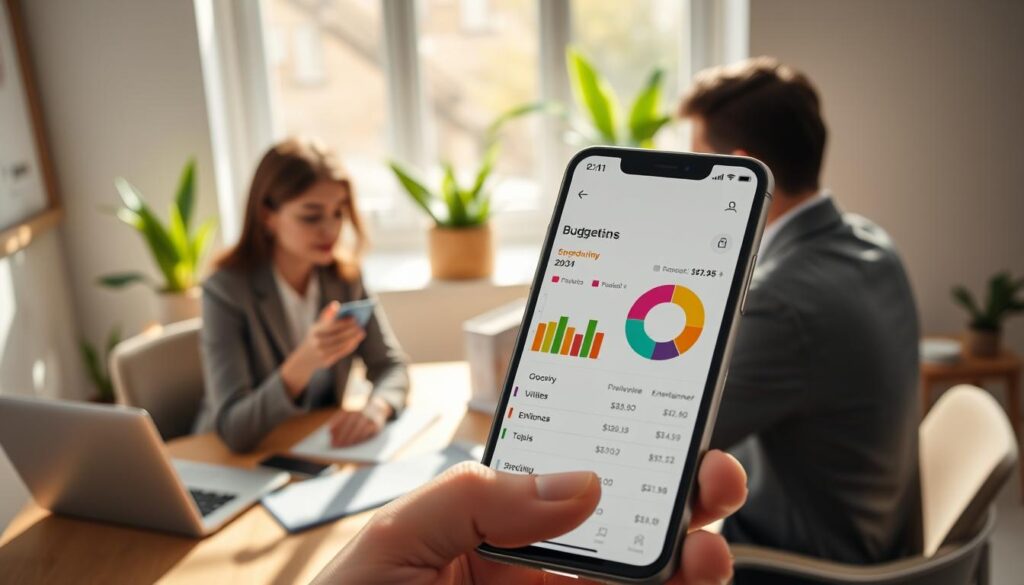
Automatic account syncing saves time by importing transactions from your bank and credit cards. Look for apps that refresh data frequently and handle multiple accounts in one place.
Robust category controls make it simple to understand where your money goes. Clear, visual reports help you compare income, expense lines, and progress toward savings goals.
- Real-time alerts warn you when a budget limit nears, so you can adjust before overspending.
- Security matters: multi-factor authentication and strong encryption protect linked accounts.
- Extra tools like credit monitoring, bill negotiation (as in Rocket Money), and an aggregated dashboard (like Empower Personal Dashboard) add real value.
“Choose an app version that matches your device and your finance plan; the right fit makes budgeting sustainable.”
Managing Subscriptions and Recurring Payments
A focused review of recurring charges often reveals quick wins for savings. Many users miss small fees that recur each month and quietly eat into their budget.

Identifying Forgotten Recurring Charges
Start with a single audit of linked accounts and transactions. Apps like Rocket Money scan bank and card activity and flag recurring items you may not recall.
- Spot subscriptions: remove services you no longer use and free up cash for savings goals.
- Concierge help: Rocket Money Premium offers a cancellation service that handles the process for you.
- Watch price changes: auditing regularly prevents paying inflated renewal rates over time.
- Bill alerts: pick an app that sends clear notifications for upcoming charges so your credit stays healthy.
“Reviewing subscriptions is one of the most effective steps you can take to improve a household budget.”
For practical saving ideas tied to subscription audits, see a short guide on holiday savings at smart holiday savings.
Security Considerations for Linked Bank Accounts
Before you connect an app, confirm how it encrypts your login and transaction data. Goodbudget uses bank-grade 256-bit SSL encryption, and Rocket Money accesses transactions via an encrypted token through the Plaid API so your credentials are not stored.
Protecting your accounts starts with checking authentication features. Choose apps that offer multi-factor authentication and clear privacy policies.

Regularly review security settings in your budgeting version and enable every available protection. If an app lacks transparency about data sharing, consider manual entry as a safer alternative, though it reduces automation convenience.
- Encryption: prefer 256-bit or bank-level standards for data in transit and at rest.
- Secure APIs: reputable platforms use services like Plaid so credentials aren’t stored.
- Account controls: enable MFA and review connected devices and sessions often.
“Most modern budgeting apps use the same security standards as large financial institutions.”
Taking these steps protects your money and builds confidence while tracking transactions and working toward savings. For practical saving tips that pair well with secure tools, see how to save money.
Tracking Investments Alongside Daily Expenses
Seeing investments alongside daily transactions makes your net worth clear at a glance.

Empower offers a single dashboard that shows both everyday expense lines and long-term accounts. Its Budget Planner auto-categorizes IRAs, 401(k)s, mortgages, and personal loans so your wealth picture is complete.
When you sync investment accounts with bank and card accounts, you get a holistic view of assets and liabilities. That view helps shape better budgeting and savings decisions for the month ahead.
Key benefits: you can rebalance holdings, watch fee impact, and set goals with clearer context. Make sure the chosen app provides timely, accurate data so choices are based on current balances and performance.
| Feature | What it Shows | Who Gains | Action |
|---|---|---|---|
| Unified dashboard | Net worth, cash flow, investments | Investors and savers | Review monthly and adjust allocations |
| Account syncing | IRAs, 401(k)s, bank accounts | Busy professionals | Enable secure connections and refresh rates |
| Fee insights | Expense ratios and advisory fees | Long-term planners | Compare versions and reduce hidden costs |
| Budget planner | Expense categories plus investment goals | Goal-oriented users | Link savings targets and rebalance regularly |
Integrating investment tracking with your budget makes money decisions clearer and more strategic. For practical saving steps that pair well with this approach, read a short guide on smart saving here: smart savings guide.
Strategies for Couples and Shared Household Finances
A joint finance app can make conversations about money less awkward and more productive. Start with a shared view of accounts and clear, agreed goals for the month.
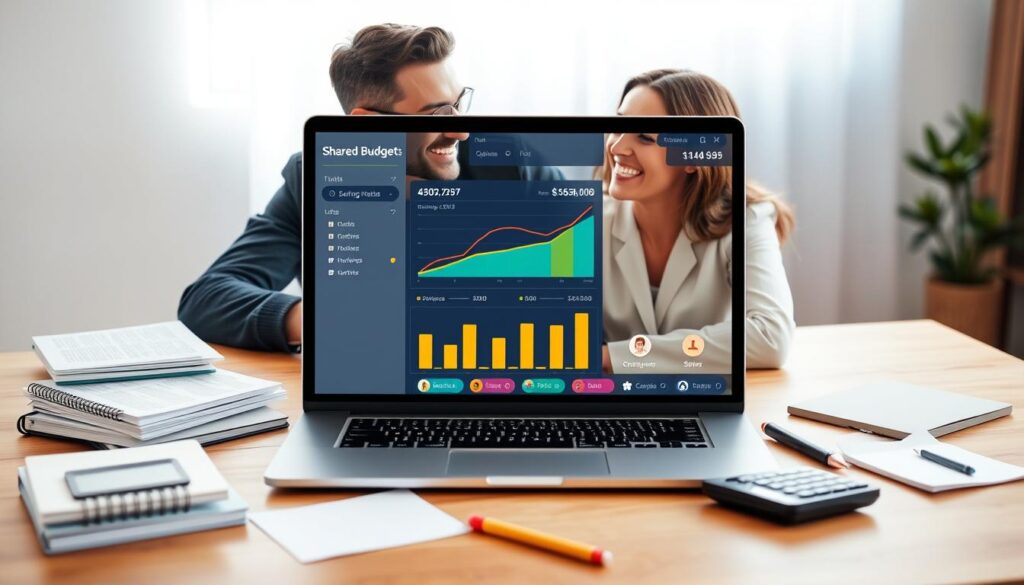
Syncing Budgets for Partners
Syncing budgets with your partner helps both people see the same categories and alerts in real time. Goodbudget allows couples to share and sync budgets so users can track expense lines together.
Set simple rules: who logs receipts, who adjusts categories, and when you review progress. That structure keeps small disagreements from growing into major issues.
Managing Shared Wallets
Apps like Spendee offer shared wallets for household bills and joint purchases. Shared wallets reduce the need for constant check-ins and make dividing costs straightforward.
- Set spending limits for key categories to prevent overspending.
- Review the shared budget each week or month and adjust as needed.
- Use a single version of truth in the app so both partners trust the numbers.
“Open communication plus a shared app creates clarity and reduces friction around joint finances.”
Leveraging Data Insights for Better Financial Habits
Data from your budget app can spotlight small habits that shape big results. Visual tools help you see where money flows and what habits repeat.

SoFi Relay and GnuCash show how charts and graphs make category patterns obvious. SoFi Relay groups transactions by budgeting categories. GnuCash offers graphs and reports that reveal progress over time.
Use these features to review one month of activity and highlight frequent expense lines. That evidence makes decisions easier than guessing.
- Spot patterns: identify repeat charges and high-cost categories.
- Set realistic limits: use app insights to assign caps for each category.
- Act on data: reduce non-essential costs and boost savings with clear targets.
“Data-driven budgeting is more effective than guessing; it gives concrete evidence of behavior and areas for improvement.”
Review reports regularly and try a different app version if you need clearer charts. Small, steady changes based on real data lead to long-term habit improvement.
When to Consider Manual Entry Methods
Typing in every transaction can slow you down in a useful way and reveal habits that automation misses. Manual entry forces attention to each expense and builds awareness about your money.

Goodbudget is an example of an app that requires manual input because it does not sync with bank accounts. That design gives users deliberate control and a clearer view of cash flow per month.
Manual methods take more time, but they help curb impulse purchases. Many people feel more responsible when they write each line in their budget version.
- Mindful recording: logging every expense trains discipline and reduces wasteful buys.
- Security: if you worry about linking accounts, manual entry avoids sharing credentials.
- Starter option: use manual recording to learn categories before moving into automated apps.
“Consistency matters more than method—pick what you will keep up and commit to it.”
Streamlining Business Travel and Expense Reporting
When employees travel, a reliable expense system keeps receipts, approvals, and reimbursements moving.
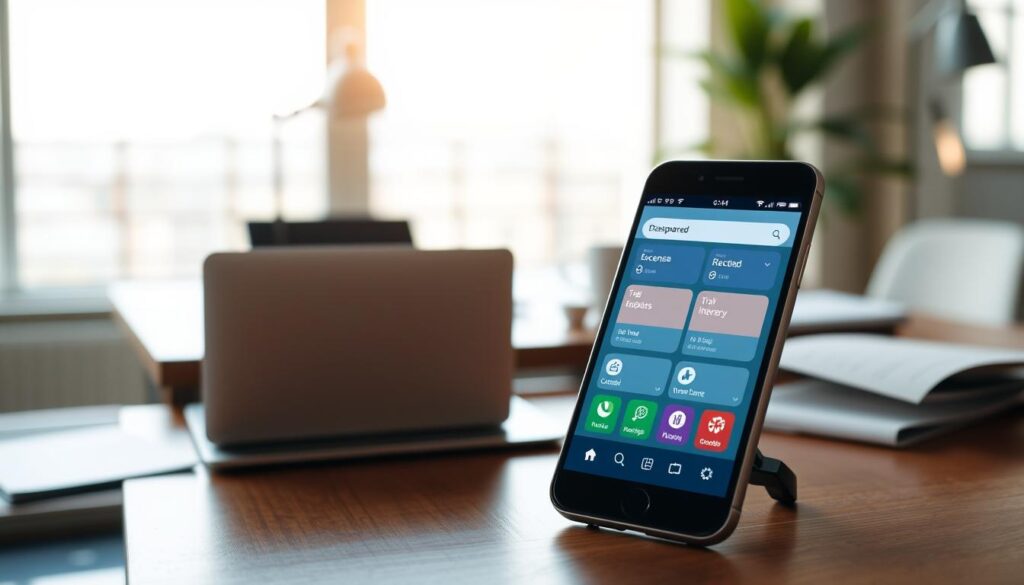
ExpenseVisor speeds reporting with a DocScan feature that extracts vendor names and totals from receipts. This mobile app lets staff snap a photo and send claims while on the road.
Rydoo supports remote teams and syncs with accounting platforms like SAP and Microsoft Dynamics. Its compliance engine adapts to local tax and per diem rules, which helps international travel run smoothly.
- Save time: automated reports cut finance review hours per month.
- Improve compliance: approval workflows and locale rules reduce errors.
- Gain visibility: dedicated tools show company spending and money flows clearly.
“Effective expense management is a key component of an efficient, accountable business strategy.”
| Tool | Key feature | Integration | Best fit |
|---|---|---|---|
| ExpenseVisor | DocScan receipt OCR | CSV export & API | Field teams needing quick claims |
| Rydoo | Compliance engine & approvals | SAP, Microsoft Dynamics | Remote and global companies |
| Generic expense app | Custom workflows | Popular accounting suites | Firms wanting tight control |
Comparing Free Versus Paid Subscription Models
Deciding between a free plan and a paid subscription comes down to which features actually help you meet your money goals.

Free plans often cover simple expense logging and a light budgeting workflow. Goodbudget, for example, gives 20 envelopes at no cost. That can suit a beginner who wants clarity without a monthly fee.
Paid tiers usually add unlimited envelopes, custom categories, and bank syncing. Goodbudget Premium costs $10 per month. Rocket Money Premium runs roughly $7–$14 per month and can include concierge services like bill negotiation.
- Choose based on needs: if basic tracking meets your goals, stay on a free plan.
- Value check: test premium features during a free trial before you commit.
- Review regularly: cancel or downgrade if the subscription no longer delivers useful features.
“If you are serious about your goals, a modest subscription may pay for itself through better control and saved fees.”
For quick guidance on stretching limited income and deciding whether a paid plan fits your budget, see this short guide: save money fast on a low.
Common Pitfalls to Avoid When Starting Out
New budgeters often trip over small omissions that quietly derail progress. Start by calculating your net income and listing fixed and variable costs. Making a budget can be done in as few as five steps.

Missed or irregular costs are a frequent issue. Annual subscriptions, car maintenance, and one-off fees must be included. If expenses exceed income, review categories and cut where needed.
- Account for all expenses, including irregular ones.
- Set realistic goals so motivation stays high.
- Review your plan during the month and adjust if needed.
- Build an emergency fund to avoid financial stress.
- Don’t rely only on automation—check reports and app features regularly.
Be patient: habits form over several months. Adjust the budget when something doesn’t work, and treat budgeting as an ongoing process that protects your money and supports long-term goals.
“Successful budgeting is a journey; avoiding common pitfalls helps you stay on track.”
| Pitfall | How it Hurts | Quick Fix |
|---|---|---|
| Overlooked irregular expenses | Skews monthly totals | List yearly bills and divide by 12 |
| Unrealistic goals | Causes burnout | Set small, measurable targets |
| Relying only on automation | Missed savings chances | Monthly review of app reports |
Conclusion
Finish strong: pick an app, set a weekly check, and let small changes compound over time. Make a simple habit of opening the tool once each month and scanning the reports. Small, steady steps will add up.
Choose an app that matches your style—manual entry or synced accounts—and use core features that show progress. A clear budget and honest reviews of each month help you tune categories and limit waste.
Stay consistent and you will see results. For practical saving tips and a short plan to build momentum, read this guide on how to save up money and test a few apps until one fits your life.